Steps
Tap any picture to see it full size.
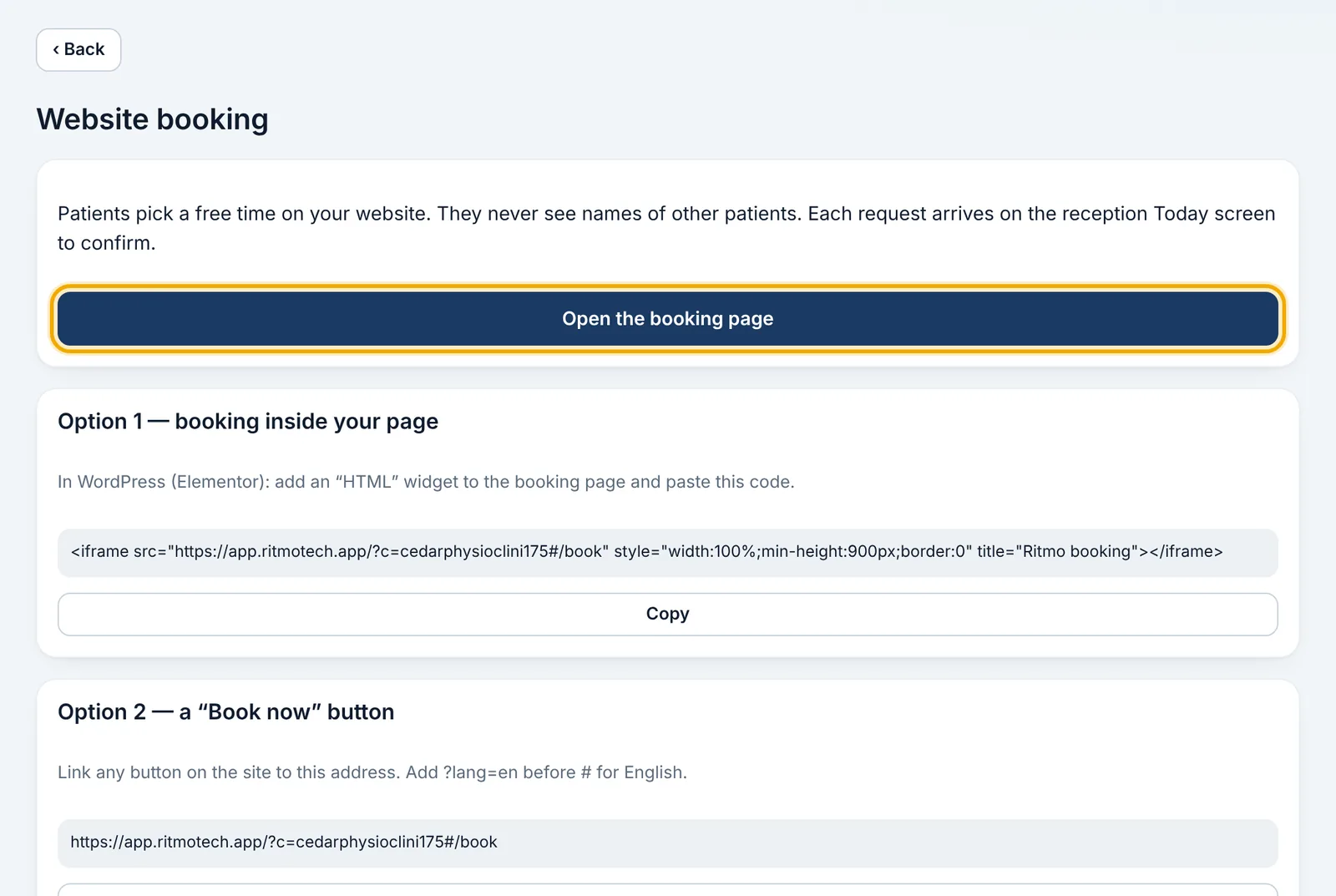
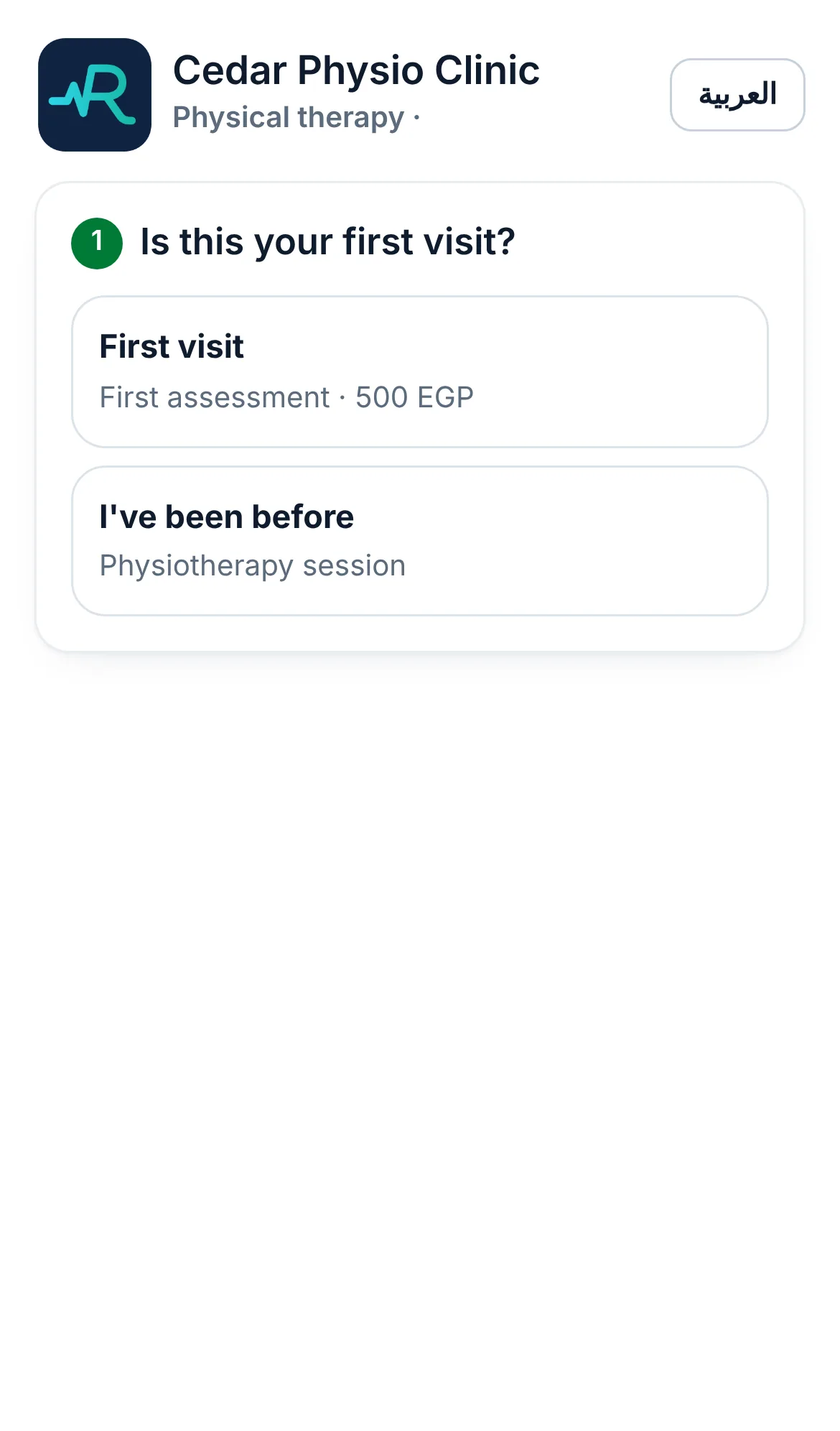
Your clinic's booking page is ready from day one: open «Management» → «Website booking», copy the link and put it on your Facebook, Instagram and WhatsApp.
The smart assistant answers patients' questions about services, prices and times, from your clinic's own data only.
It can make a provisional booking that waits for reception to confirm.
It works on your clinic's booking page, and can be connected to WhatsApp, Instagram and Messenger.
To switch it on for your clinic: open «Smart assistant» and tap «Chat with us to open it». Our team connects your pages as a partner from your own Meta settings, with no password shared.