Steps
Tap any picture to see it full size.
Open «Management» → «Security».
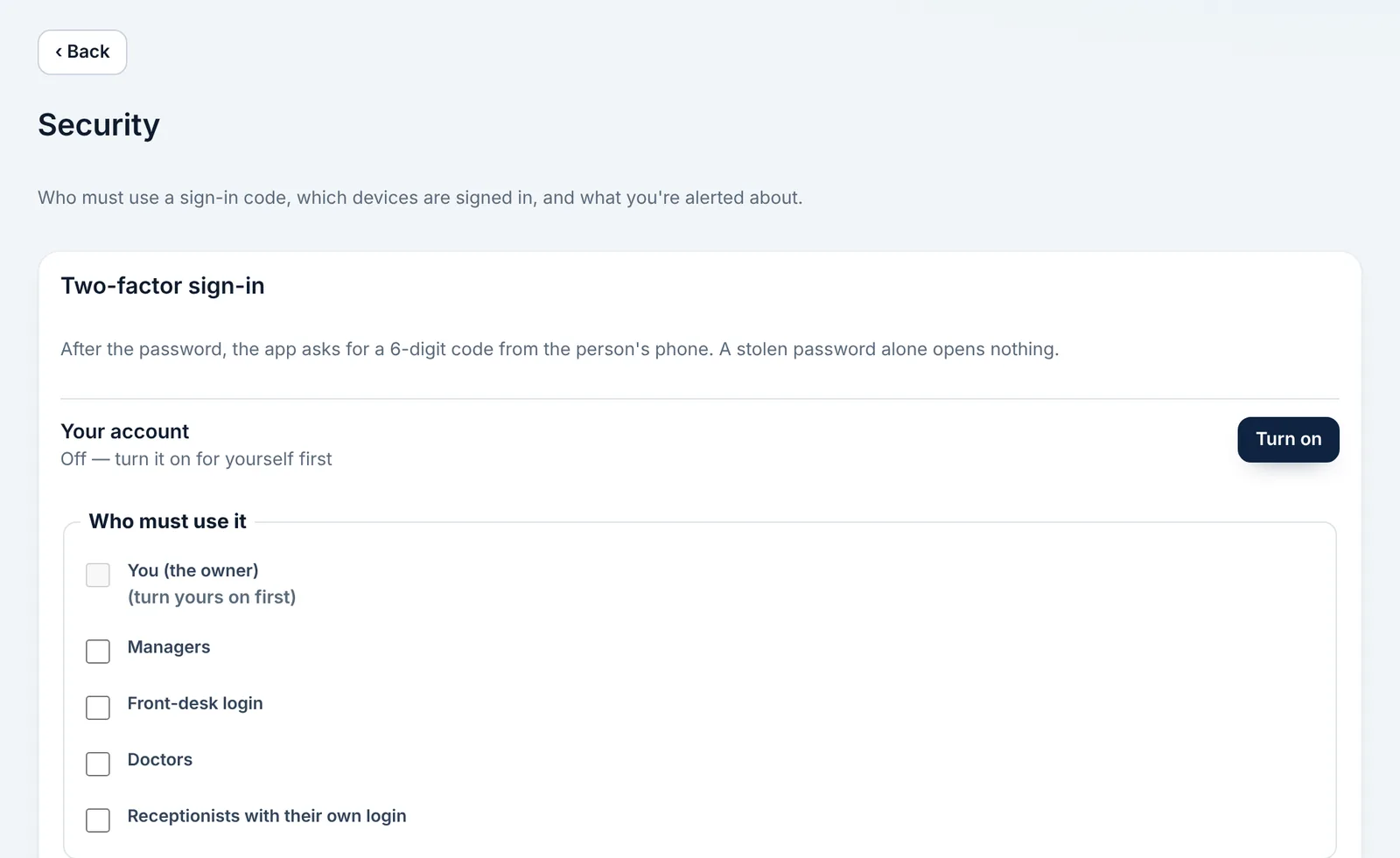
Turn on «Two-factor sign-in»: scan the code with an app such as Google Authenticator and type the 6-digit number.
Choose who in your team must use two-factor sign-in.
Check the signed-in devices and end any session you don't recognise.
Download a «Backup» from «Management» once a week and keep it somewhere safe.