Steps
Tap any picture to see it full size.
Open «Management» → «Staff & pay».
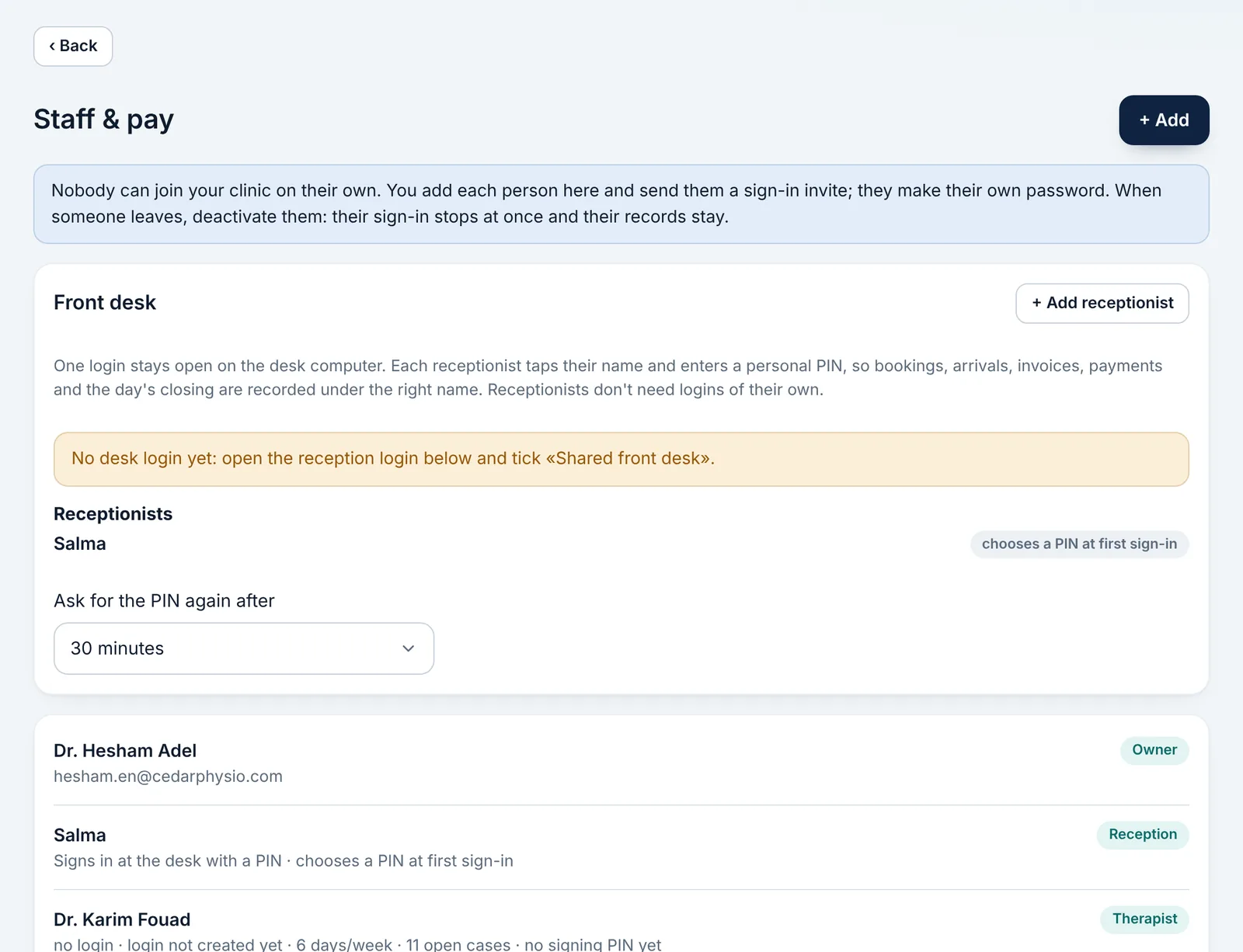
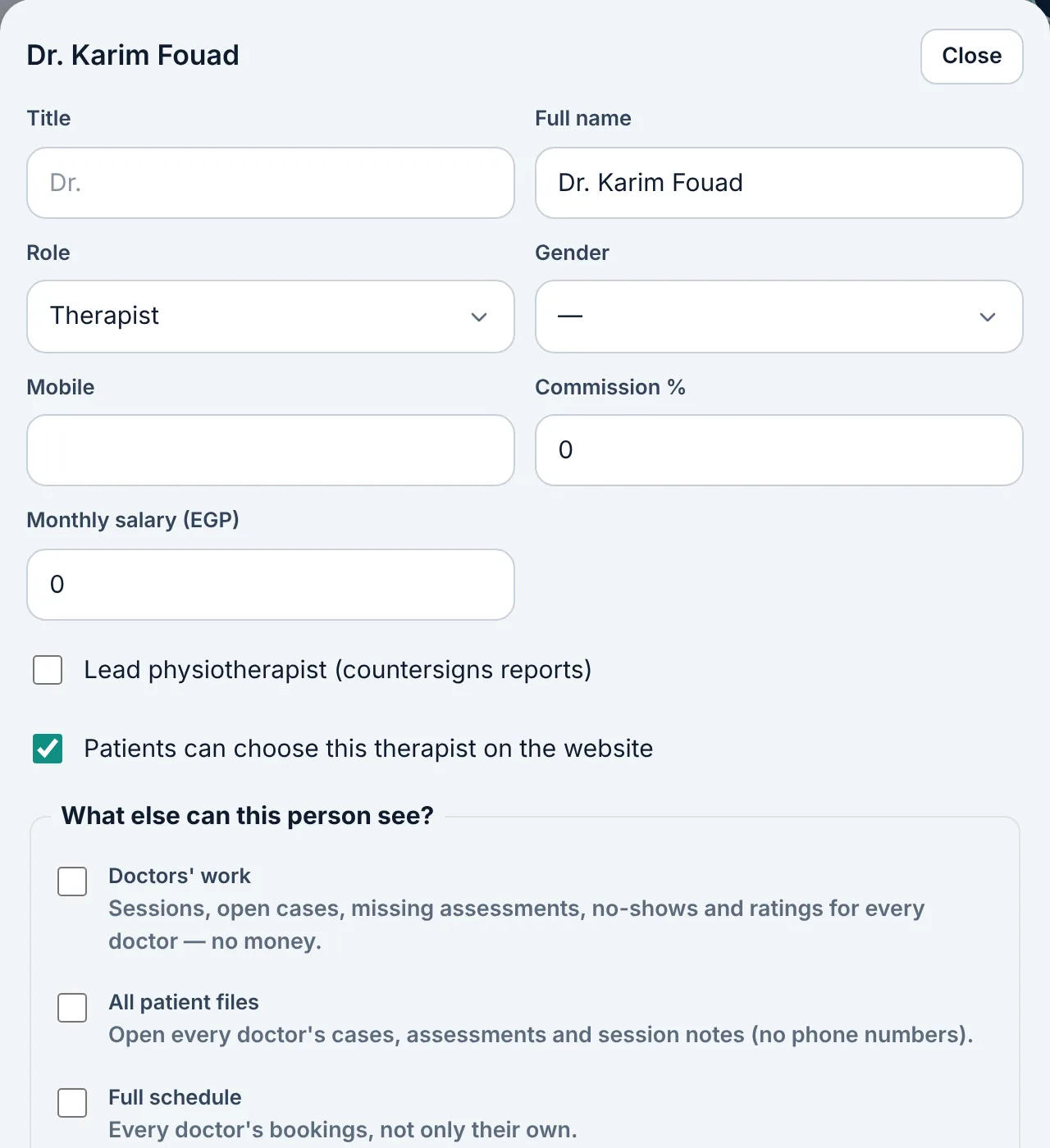
Add the person: name, role (doctor or reception) and gender.
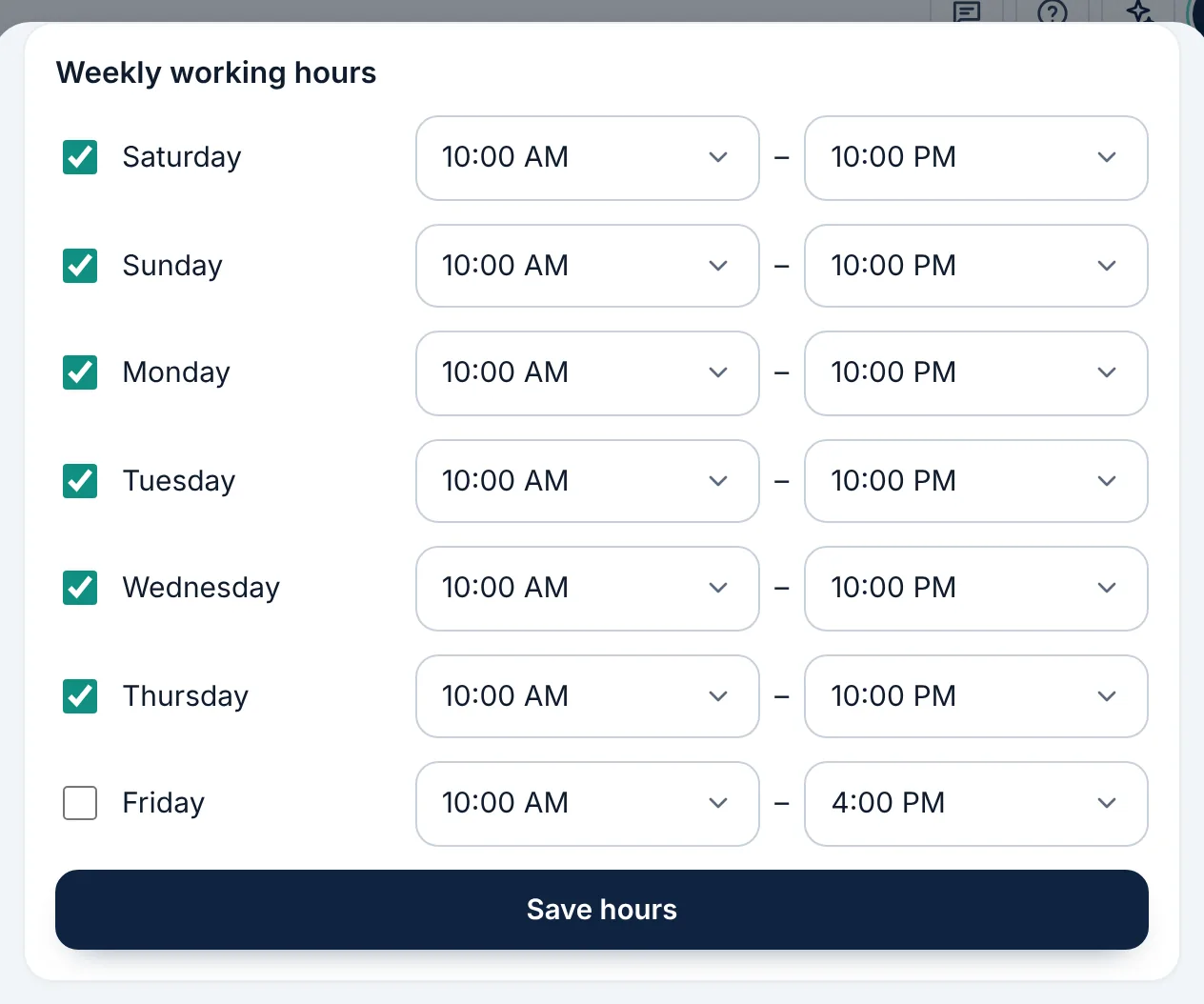
Set each doctor's working hours; their appointments are booked only within them.
Set a fixed salary or a commission for each doctor if you like.
To record an absence, tap the person's name under «Team today», lower down on «Appointments».